Resend adapter for Vercel Chat SDK
The official Resend adapter for Vercel Chat SDK turns email into a first-class channel for AI agents.
AI agents communicate through Slack, chat widgets, and SMS. Most of these channels are ephemeral. Messages disappear into feeds, threads get buried, and there's no real record of what happened.
Email is the one protocol that nearly everyone already uses, and conversations don't vanish. We built the official Resend adapter for Vercel Chat SDK to bring email into the Chat SDK ecosystem.
Prefer a quick video walkthrough?
What is Vercel Chat SDK?
Chat SDK is an open-source, TypeScript SDK for building chat bots across Slack, Microsoft Teams, Google Chat, Discord, and more. Write your bot logic once, deploy everywhere.
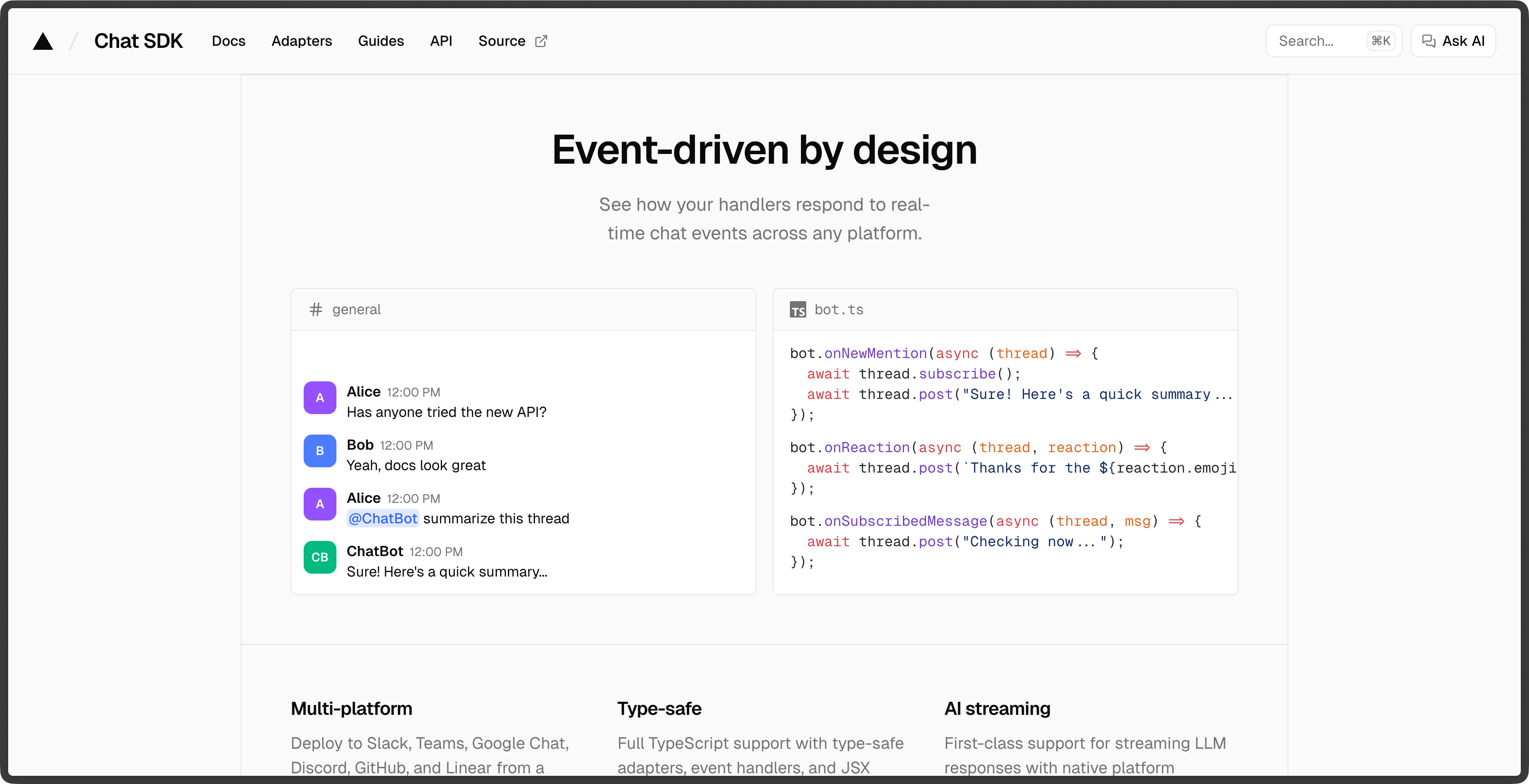
While Chat SDK already includes several default adapters, you can also use official community adapters like the one built by Resend.
Why email for AI agents
Everyone has an inbox. No app install required. An agent that sends email can reach anyone, on any device, without asking them to sign up for anything.
Email is async in a way that fits how agents actually work. Most AI tasks take seconds or minutes to process, not milliseconds. Email doesn't expect an instant reply. The agent does the work and responds when it's done. The user reads it when they get to it.
And email has threading built in. Replies chain back to the original message, so you get a searchable history of the full conversation. If your agent handles a support case over multiple days, you can still find the thread six months later.
What the adapter does
The @resend/chat-sdk-adapter package connects Resend to the Vercel Chat SDK. It's bidirectional: receive emails as chat messages via webhooks, send rich HTML emails back through the Chat SDK interface.
Email conversations are automatically threaded using RFC headers (Message-ID, In-Reply-To, References). Inbound emails are verified with Svix signatures to ensure authenticity. You can send styled HTML emails using React Email components, with plain text fallbacks.
The adapter is open source and MIT licensed.
Quick look
Install the adapter and its dependencies:
pnpm add @resend/chat-sdk-adapter chat @chat-adapter/state-memory
Then wire it up to a Chat instance:
import { Chat } from "chat";import { MemoryStateAdapter } from "@chat-adapter/state-memory";import { createResendAdapter } from "@resend/chat-sdk-adapter";const resend = createResendAdapter({fromAddress: "bot@yourdomain.com",});const chat = new Chat({userName: "email-bot",adapters: { resend },state: new MemoryStateAdapter(),});chat.onNewMention(async (thread, message) => {await thread.subscribe();await thread.post(`Got your email: ${message.text}`);});
What you can build
- Support bots that receive customer emails and reply with answers, escalating to humans when needed.
- AI assistants that send order confirmations or shipping updates and handle follow-up replies from customers.
- Notification systems where users can reply directly to take action, instead of just reading a one-way alert.
Get started
Check the docs for the full setup guide, or view the open source code.